For a step by step guide on how to set up your Xero Export, please click here.
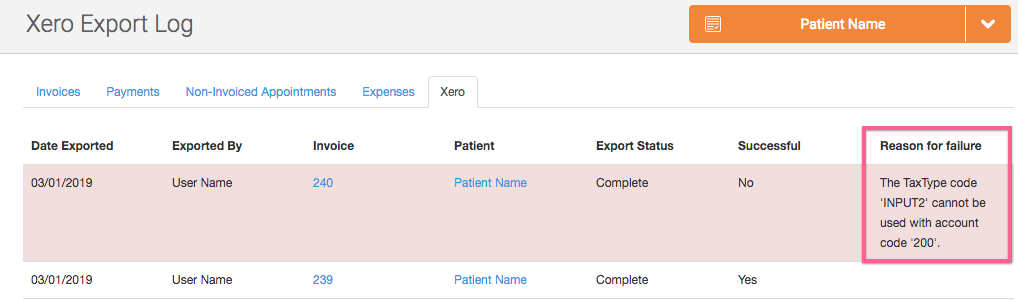
Once you've exported invoices to Xero, you can check the status by going to Finance -> Xero to access the Xero Export Log.
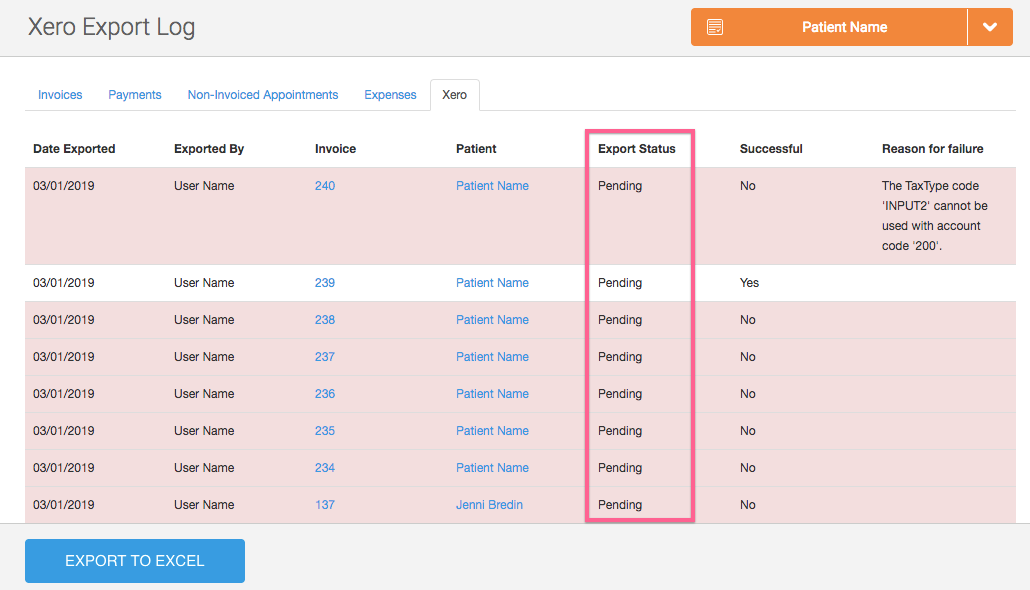
The status column will show as Pending while the export is being processed:
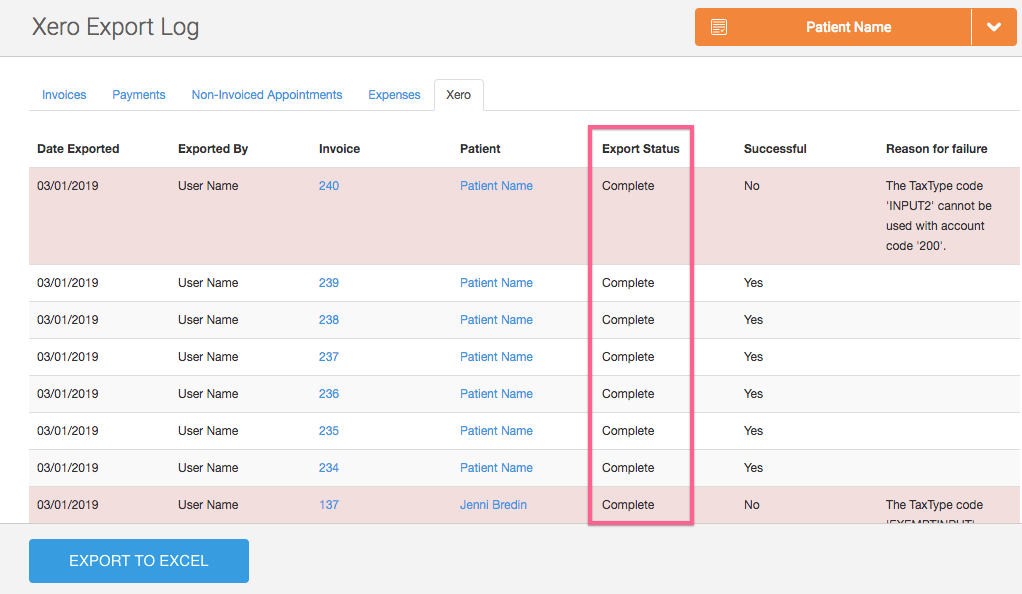
And will change to Complete once the export process is complete :
You'll be able to see if the export was successful:
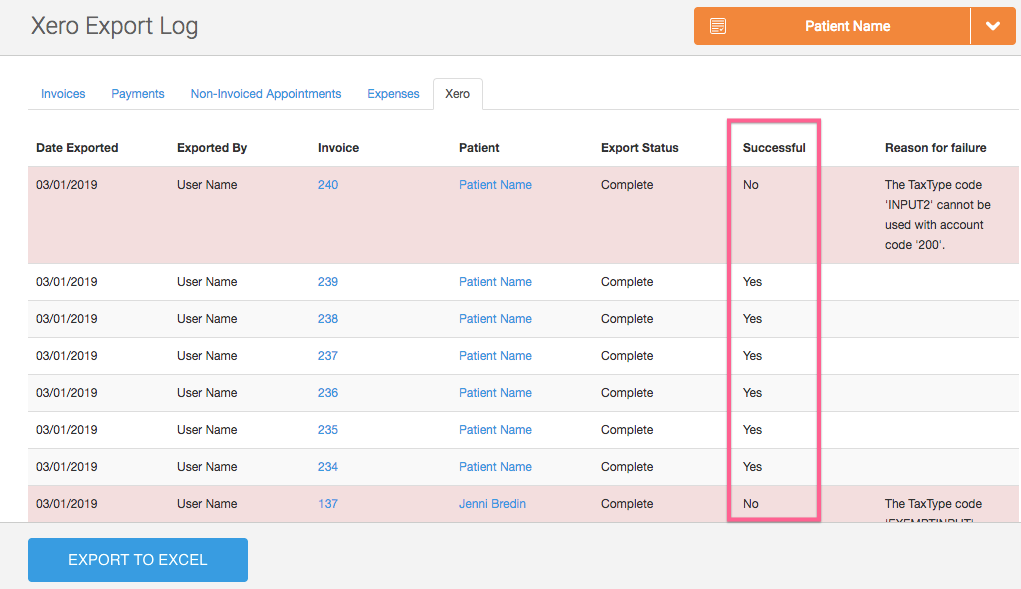
And if not, the reason for the failure:
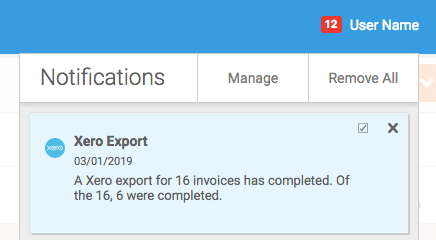
You'll also receive a notification once the export has completed which details the number of invoices successfully exported: