You can check your remaining SMS credits in two places:
Option 1: From Settings
1. Go to Settings -> Account Details
2. Your current SMS balance will be displayed here:
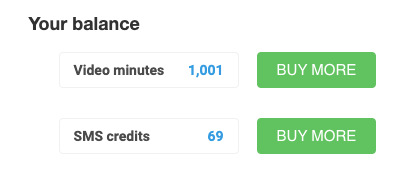
Only Site Administrators have access to the Account screen.
Option 2: From the Message Screen
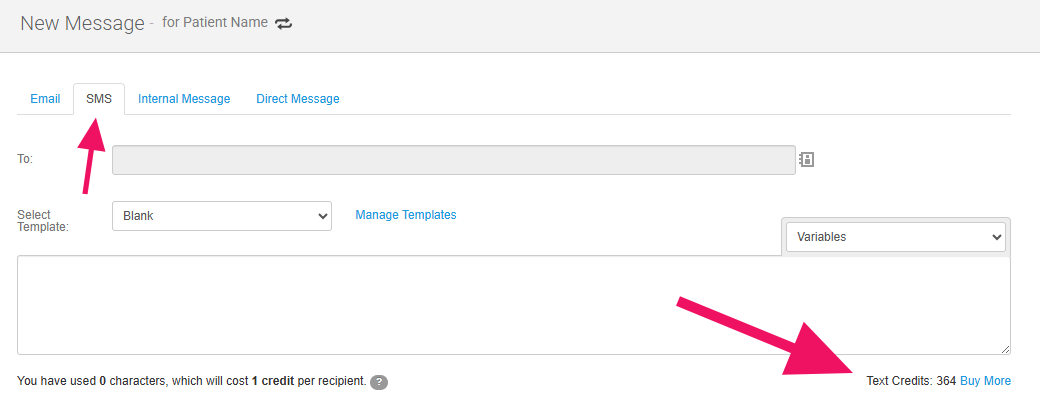
1. Go to Create -> Message -> SMS
2. Your SMS balance will appear just below the message field:
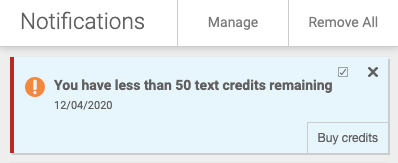
Low Credit Warning
If your balance drops below 50 credits, you’ll receive a notification to let you know. This helps ensure you don’t run out unexpectedly and lose access to SMS features.