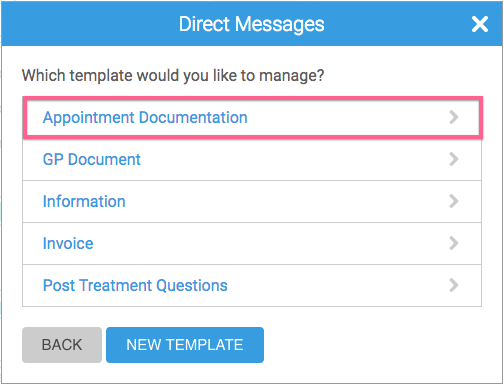
Adding a template for Direct Messages is a great way to save yourself time, if you repeatedly send the same kind of messages! This might be particularly useful when sending a Smart Form to patients for completion.
To add a DM template:
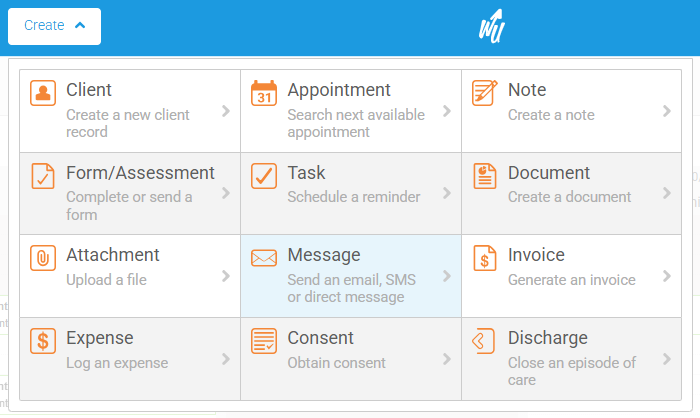
1. Go to Create -> Message:
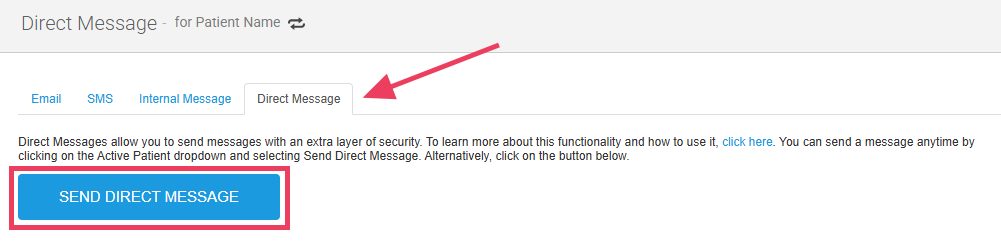
2. Select the Direct Message tab and click on the Send Direct Message button:
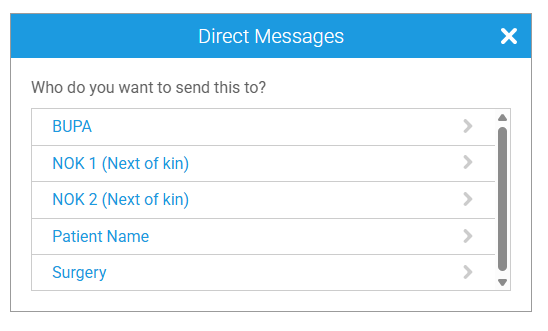
3. Select a recipient from the available list:
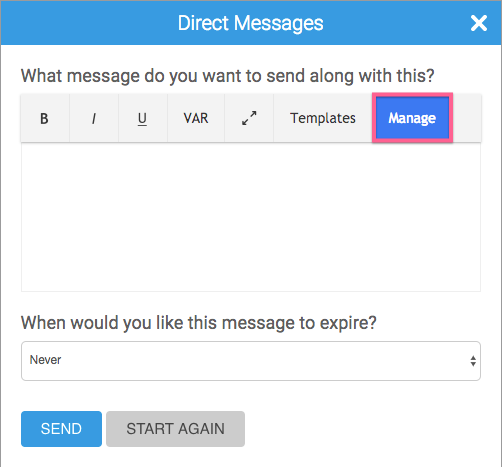
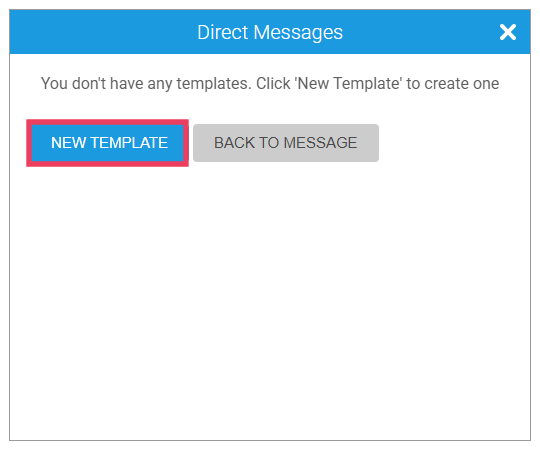
6. Specify the name and body of the template
7. To insert variables into your message, select VAR and choose them from the dropdown list:
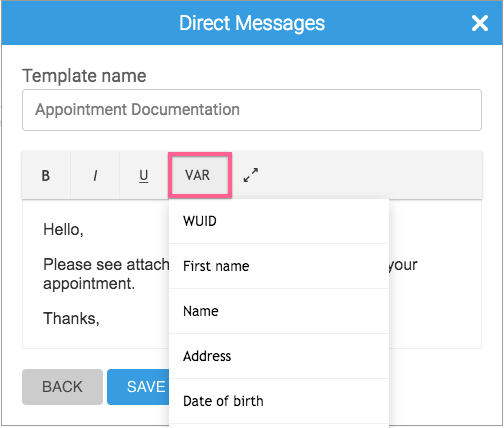
8. Once you are happy with the content, click Save:
9. You will see a green 'Template Created' banner and be taken back to the list of available templates, where you will see your new template added: