To navigate around the diary, you can either:
-
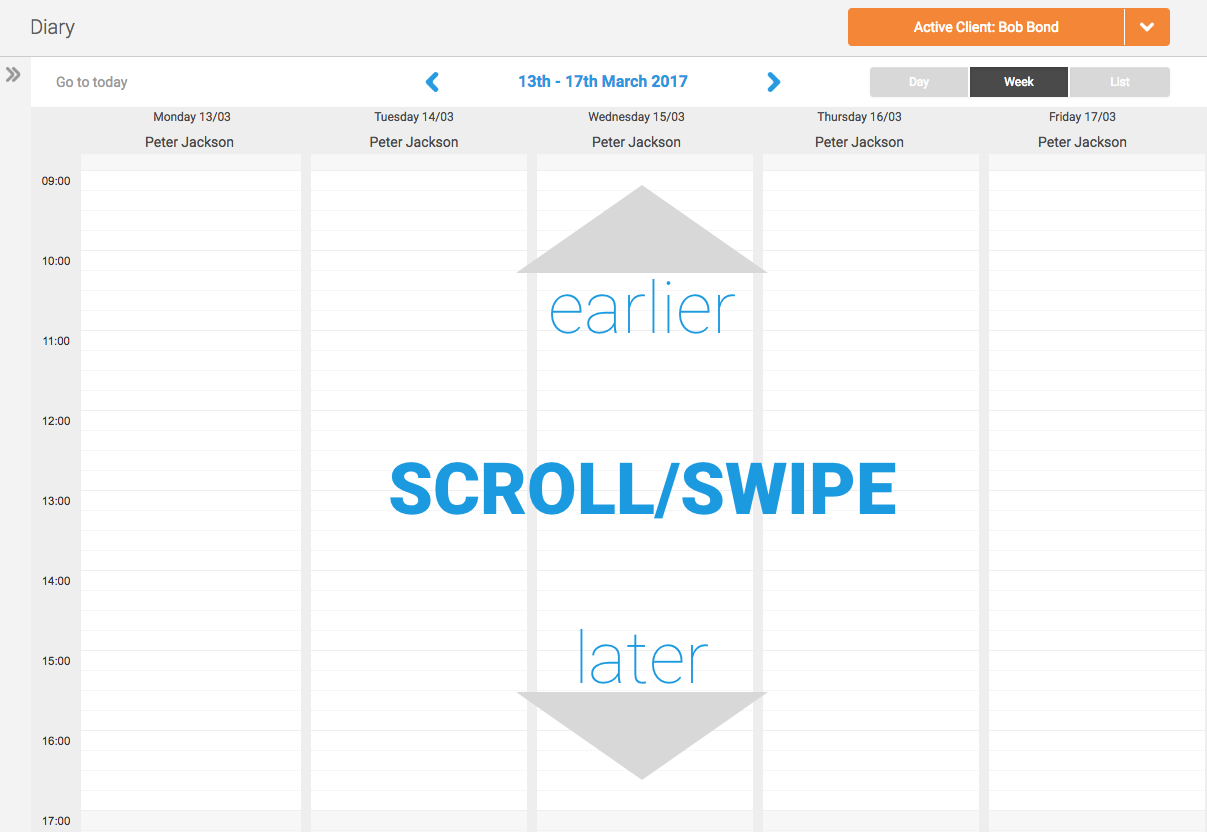
Scroll/swipe up and down the diary screen to view earlier and later times
-
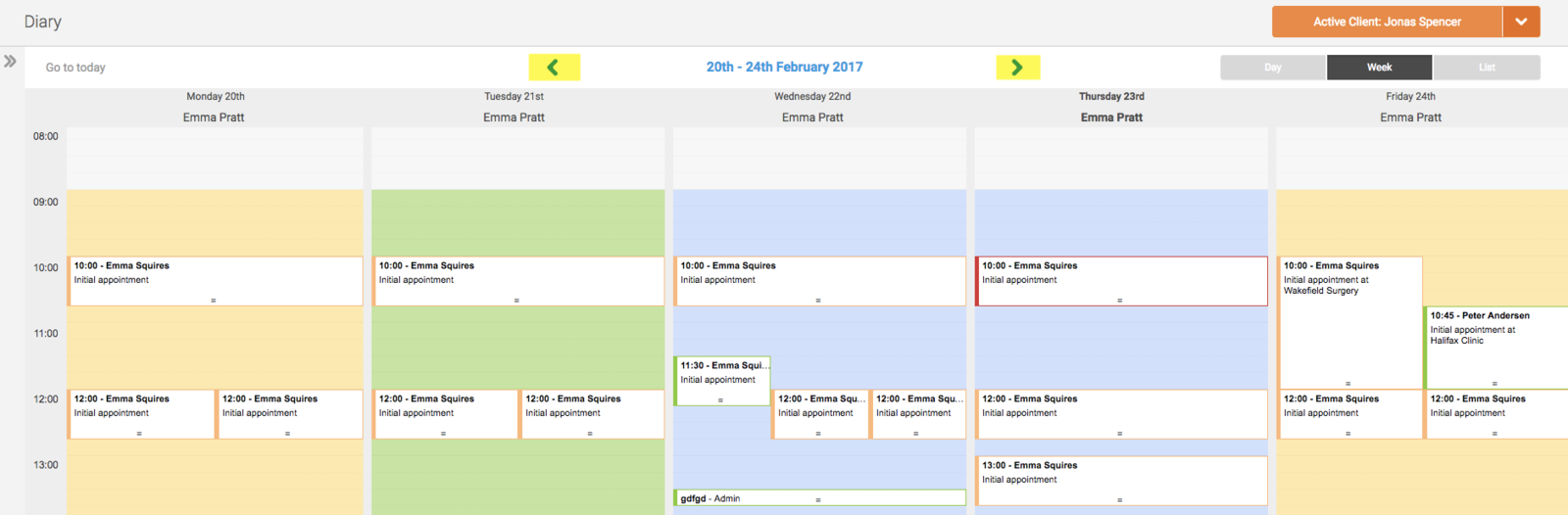
Click on the arrows to move forwards/backwards by a day or week, depending on your chosen diary view:
-
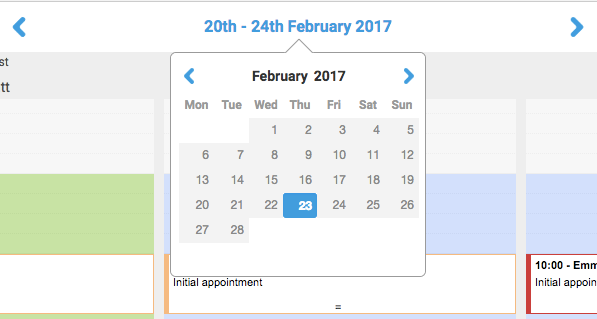
Or click on the blue date at the top of the diary to open the mini calendar. You can use this to navigate quickly to a specific day, month or year:
-
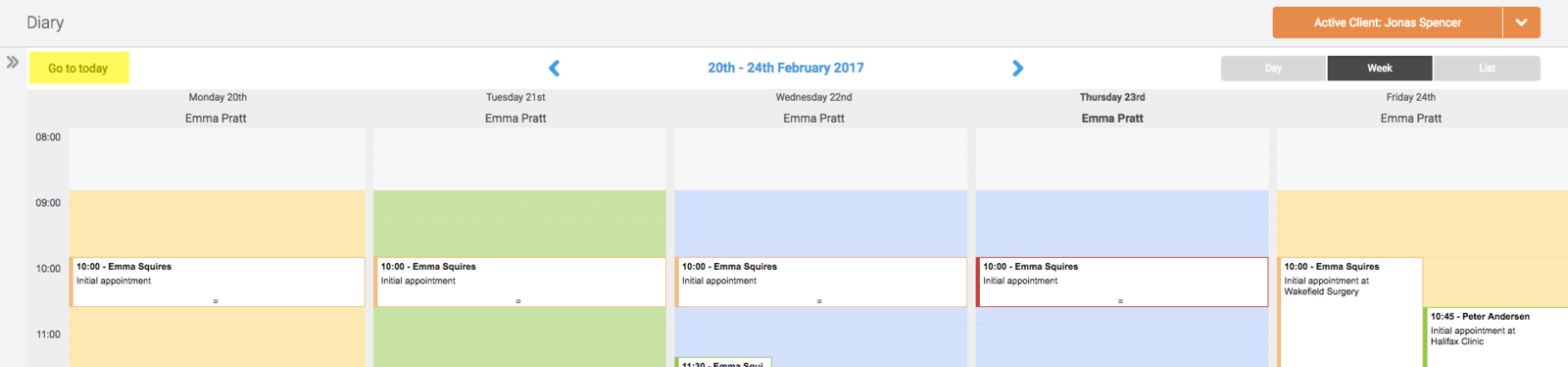
And at any time you can click on the 'Go to Today' link to take you back to the current day: