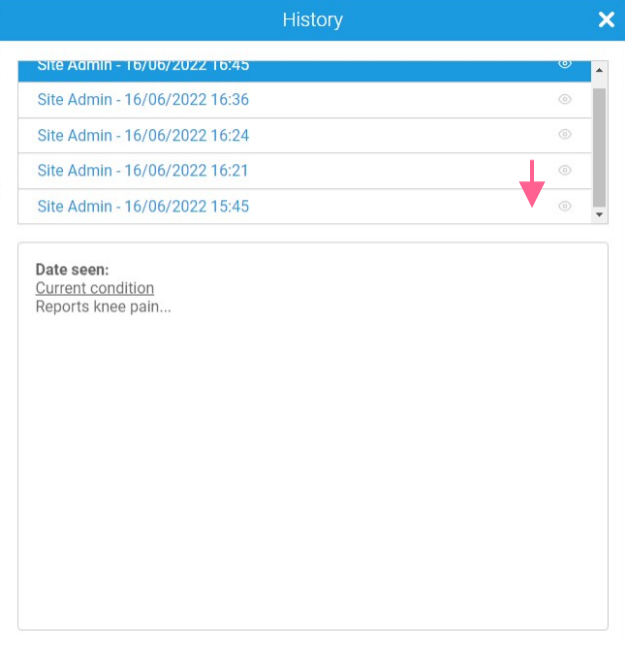
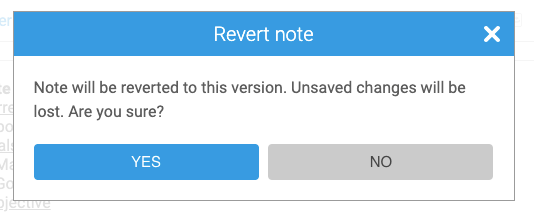
You are able to revert to an earlier version of one of your notes, should you need to, via the View History icon displayed at the bottom of the screen.
To revert to a previous version of a note:
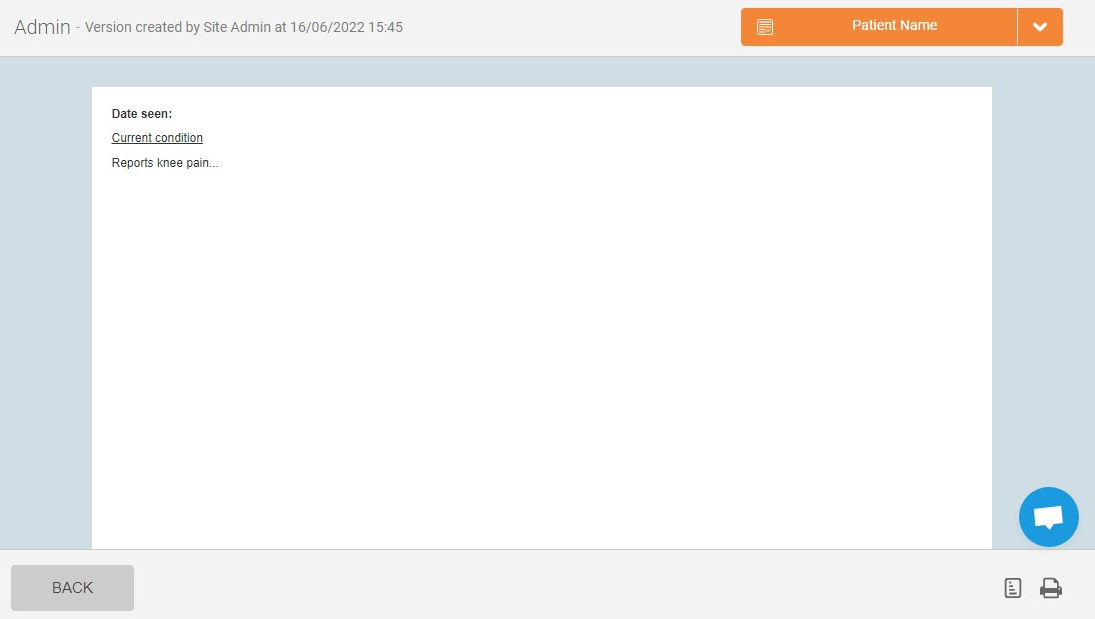
1. Click on the View History icon at the bottom of the note: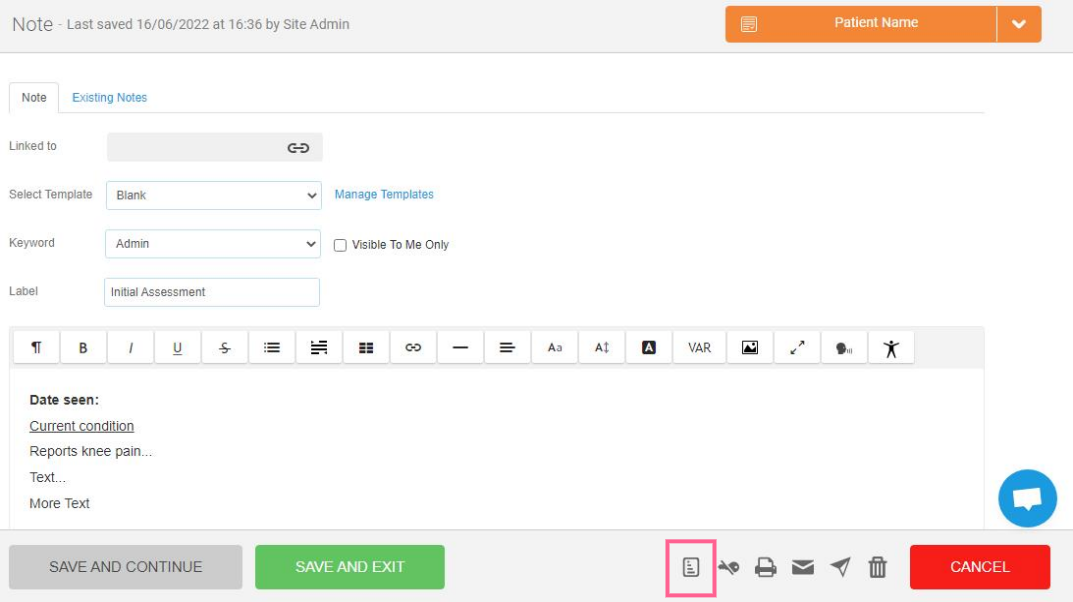
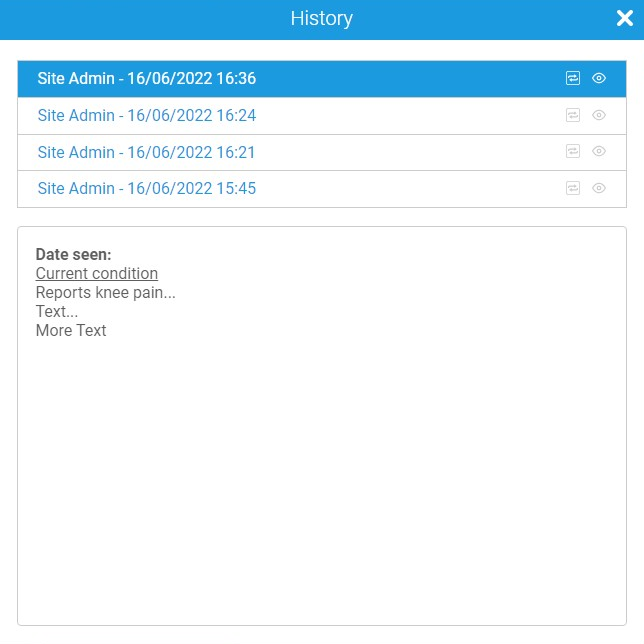
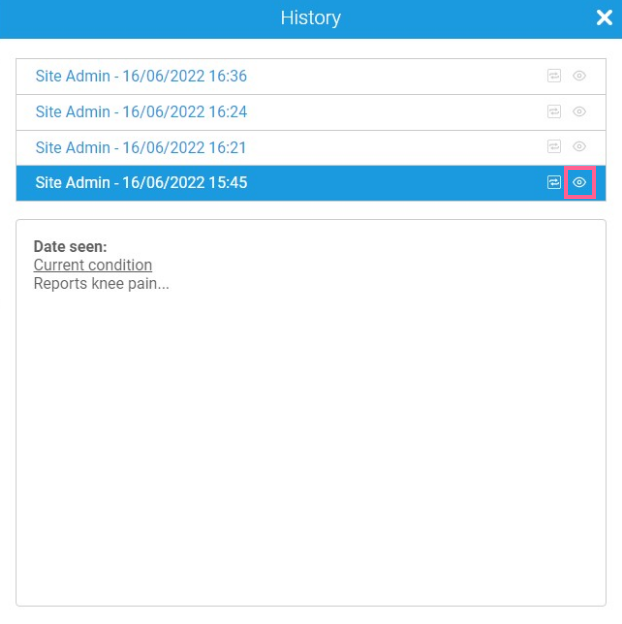
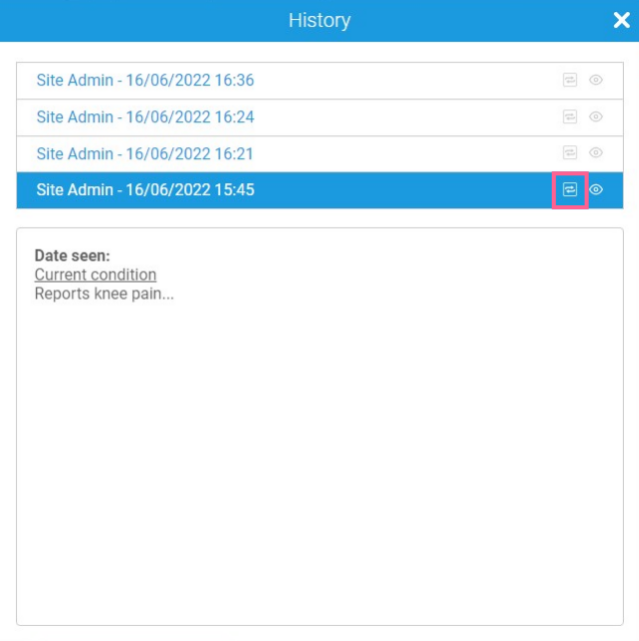
Once a note has been locked, it cannot be reverted to a previous version. If a note has already been locked, the Revert icon will NOT be present when viewing the history: