Video guide - How to discharge a patient in WriteUpp
To discharge a patient:
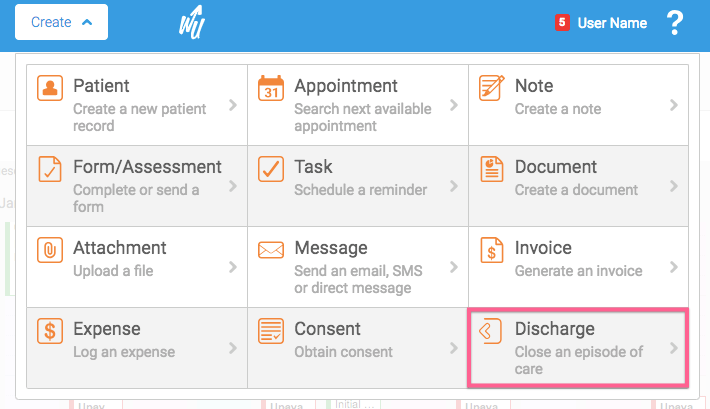
1. Ensure the patient you wish to discharge is the Active Patient, then go to Create -> Discharge:
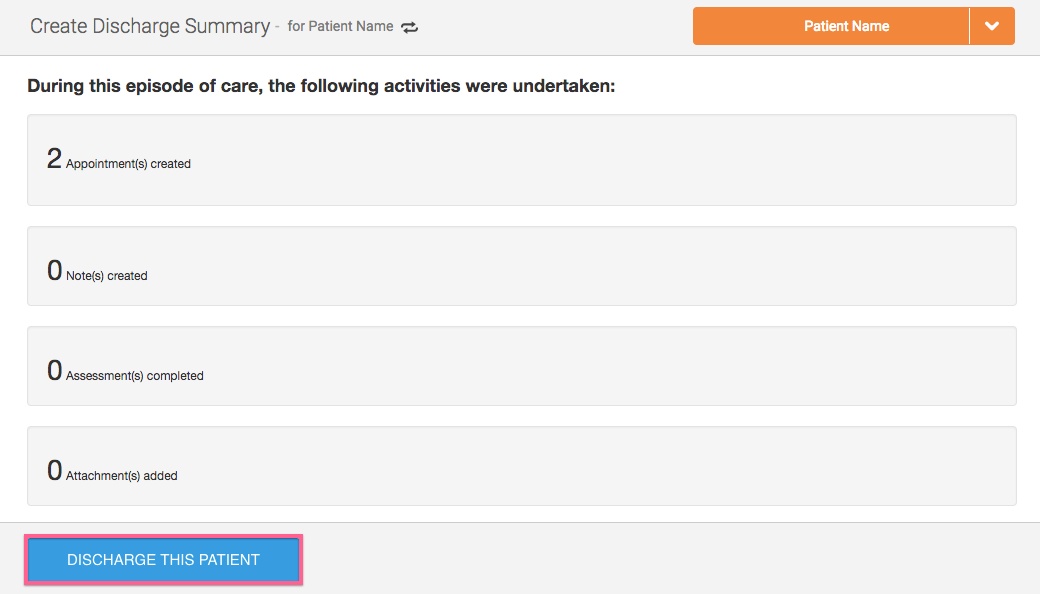
2. Review the Discharge Summary. NOTE: Check that all completed appointments have been invoiced.
3. If you've got the wrong patient as your Active Patient, you can use the 'Switch icon' to switch to the correct patient: