
If you've created discount codes that you would like your clients to be able to use themselves via online booking, you can enable a discount code field to allow this to be added.
Online Booking 2.0
Head to Integrations & Add-Ons -> Online booking and click on Configure.
Scroll down to Settings and toggle the switch under Show discount codes on.
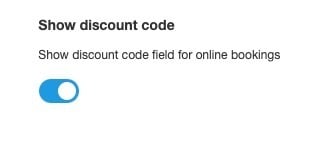
Please note that a payment provider will need to be connected to show discount codes for online bookings. If you see the below, please enable payments first:
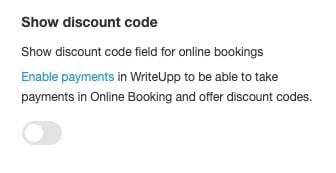
Classic Online Booking
If you are using the legacy version of online booking, again head to Integrations & Add-Ons -> Online booking and click on Configure.
Click on the link 'here' at the top of the page to open the online booking admin area and log in.
Navigate to Settings and scroll down to the bottom of the page.
Toggle the Show discount code switch on:

Please note that a payment provider will also need to be connected. If this switch doesn't appear, please check that this is already in place.