
WriteUpp integrates with Microsoft 365 to help you manage your diary and communications more efficiently. Depending on your user role and setup, you can choose to connect your Microsoft 365 calendar, your email, or both.
For Privileged, Regular, and Restricted users, the Microsoft 365 integration is limited to calendar syncing only. Once connected, any appointments you create in WriteUpp will automatically sync to your Microsoft 365 calendar. Note: Existing appointments will not be added to your calendar when you connect. Only appointments created in WriteUpp after the connection is made will sync to Microsoft 365.
If you need email sending to be enabled, please speak to your Site Administrator, who can set this up for the site.
How to connect your Microsoft 365 calendar
1. Go to Main Menu → Integrations & Add-Ons → Microsoft 365
2. Click the green Configure button: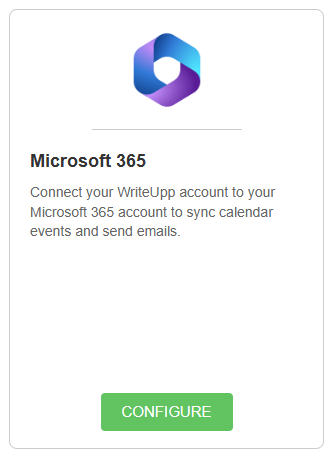
3. Select Sign in with Microsoft 365:
4. Log in using your Microsoft 365 account details and accept the permissions
Once complete, your Microsoft 365 calendar will be linked to your WriteUpp diary.
Note: This is a one-way sync. Appointments created in WriteUpp will sync to Microsoft 365, but appointments created in Microsoft 365 will not sync back to WriteUpp.